Casting support
Immich supports both the FCast and Google Cast protocols, meaning photos and videos in Immich can be cast to devices such as a Chromecast, Nest Hub, or an FCast receiver. This feature is considered experimental and has several important limitations listed below. This feature is supported by the web client, as well as the mobile app via FCast.
Mobile FCast support
The mobile app also supports FCast for casting media to both FCast receivers and Google Cast devices such as a Google TV or Nest Hub. Devices are automatically discovered over your local network.
Enable web support
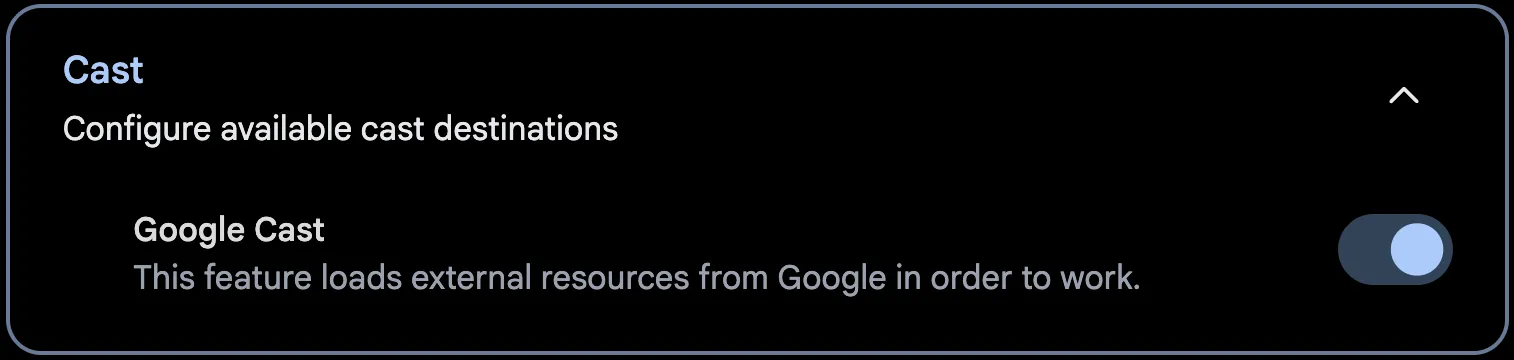
Casting from the web client is currently only possible via Google Cast, so enabling web support means enabling Google Cast. Google Cast support is disabled by default, since it requires the web UI to load Google-provided scripts from Google's servers when the page loads. This is a privacy concern for some and is thus opt-in.
You can enable Google Cast support through Account Settings > Features > Cast > Google Cast.
Limitations
To use Google Cast with Immich, there are a few prerequisites:
- Your instance must be accessed via an HTTPS connection in order for the casting menu to show.
- Your instance must be publicly accessible via HTTPS and a DNS record for the server must be accessible via Google's DNS servers (
8.8.8.8and8.8.4.4). - Videos must be in a format that is compatible with Google Cast. For more info, check out Google's documentation.